How to convert your island to squid game!


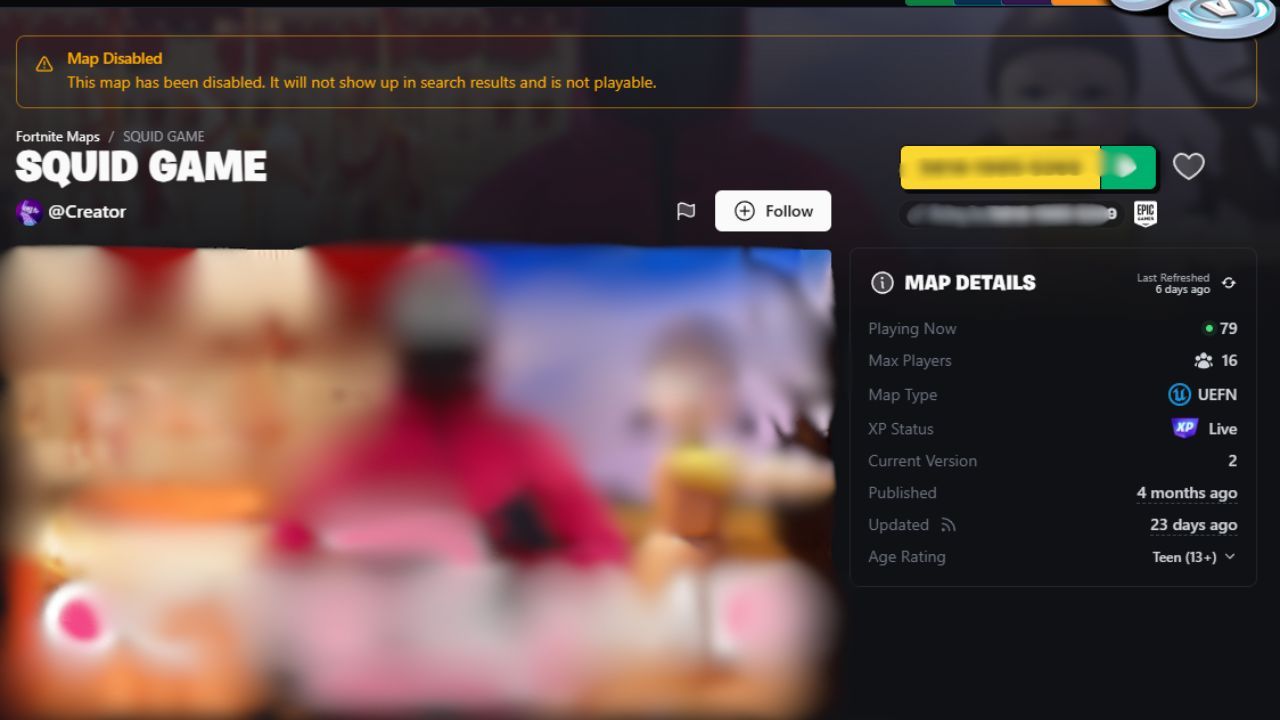
Recently, Epic have been cracking down on IP infringement.
For example, it is now against the rules to have a squid game map in a non-squid game template.
This was previously done to get around the date for when squid game islands can be published - August 14th.
How to convert your Island
From June 27th through August 12th, you can submit to convert your UEFN island into a squid game island. Starting July 14th Epic will begin converting islands.
Steps
- Contact Epic Games on the help portal
- Select “Our Creator Programs” or “Other” as your reason
- In the description include:
i. Project ID (example: 6178190c-xoeb-4d2f-a44a-3c00ff82e66e)
ii. Island Code (example: 1111-1111-1111)
- Player Support will then complete their end of the process
- Open the UEFN
.uefnprojectfile for this projectThis path can be found by clicking windows r and then %userprofile%\Documents\Fortnite Projects (Replace User Profile With Your Username!)
- Find
"featureSet": "" - Inside the quotation marks add
solidwavegfs
You are done and can now access squid game assets, devices and tools!
Player support will convert islands around 6am and 12pm ET daily
If You would like to convert back to a regular project… Please follow steps 1-6 again and:
7. Inside the quotation marks remove solidwavegfs, leaving "featureSet": ""
Reminder all squid game islands share 15% revenue with Netflix and you must follow the Squid Game Rules
Eligibility
- You must already be a member of the Island Creator Program and have already signed the IP Partner Licensing Agreement.
- Your project is in compliance with the Squid Game Brand and Creator Rules.

Hey I am olilz! I love being part of this awesome community. You should use code olilz :D
@TheRealOlilz
Comments
You must be logged in to comment.