UEFN: Three Essential Tips You Need to Know!
 PRO | DRAGON 🐉
UEFN: THREE ESSENTIAL TIPS YOU NEED TO KNOW
Navigating the Unreal Engine for Fortnite (UEFN) can seem like a daunting task, but with the right guidance, you can unlock its full potential and level up your creative projects. Today, I'll uncover three essential tips, sourced directly from our very own community, to help you excel in your endeavors!
1. Become a Master of Your Memory Calculation
Memory management is key to keep your islands running smoothly on all platforms. A detailed post by Carl Henry Global on the Epic Developer Community Forum shares some insightful tricks on managing your memory calculation
Start by checking if your "Enable streaming" option is turned on in your World Settings. Use the "Preview Grids" function to get a clearer view of your memory landscape, and adjust your cell sizes and "Loading Range" accordingly.
Remember, dispersing your most substantial assets and devices across different cells can reduce memory usage. Utilize the new "Highest Memory Location" feature in the Memory Test Results for optimizing your memory use.

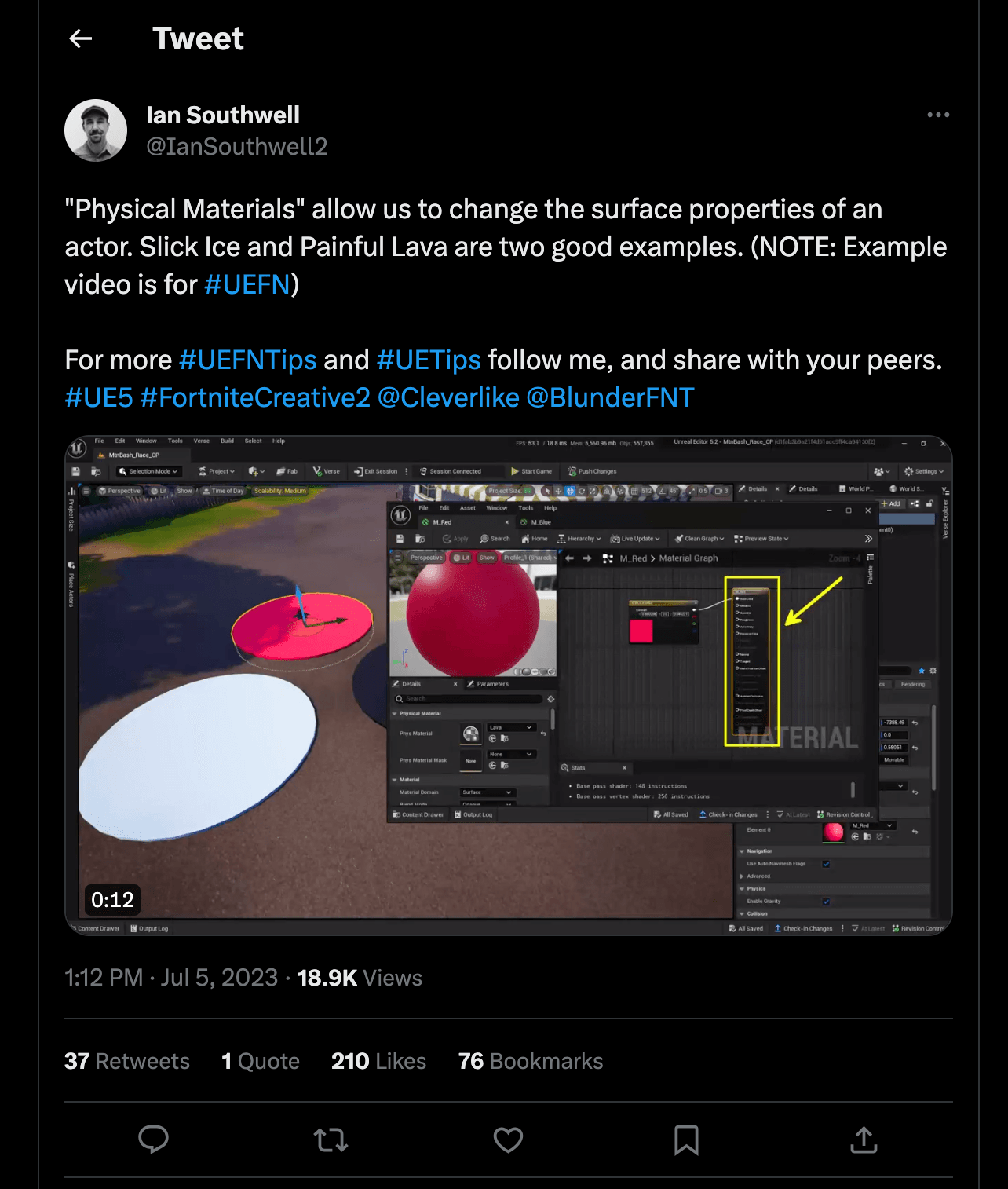
2. Harness the Power of Physical Materials
Ian Southwell shows us that using "Physical Materials" can be a powerful tool in UEFN! It can enable you to alter the surface properties of an actor. For instance, you can simulate the slipperiness of ice or the burning touch of lava. Make sure to check out Ian's illustrative video for a detailed look.
3. Overcoming Invisible Terrain Troubles
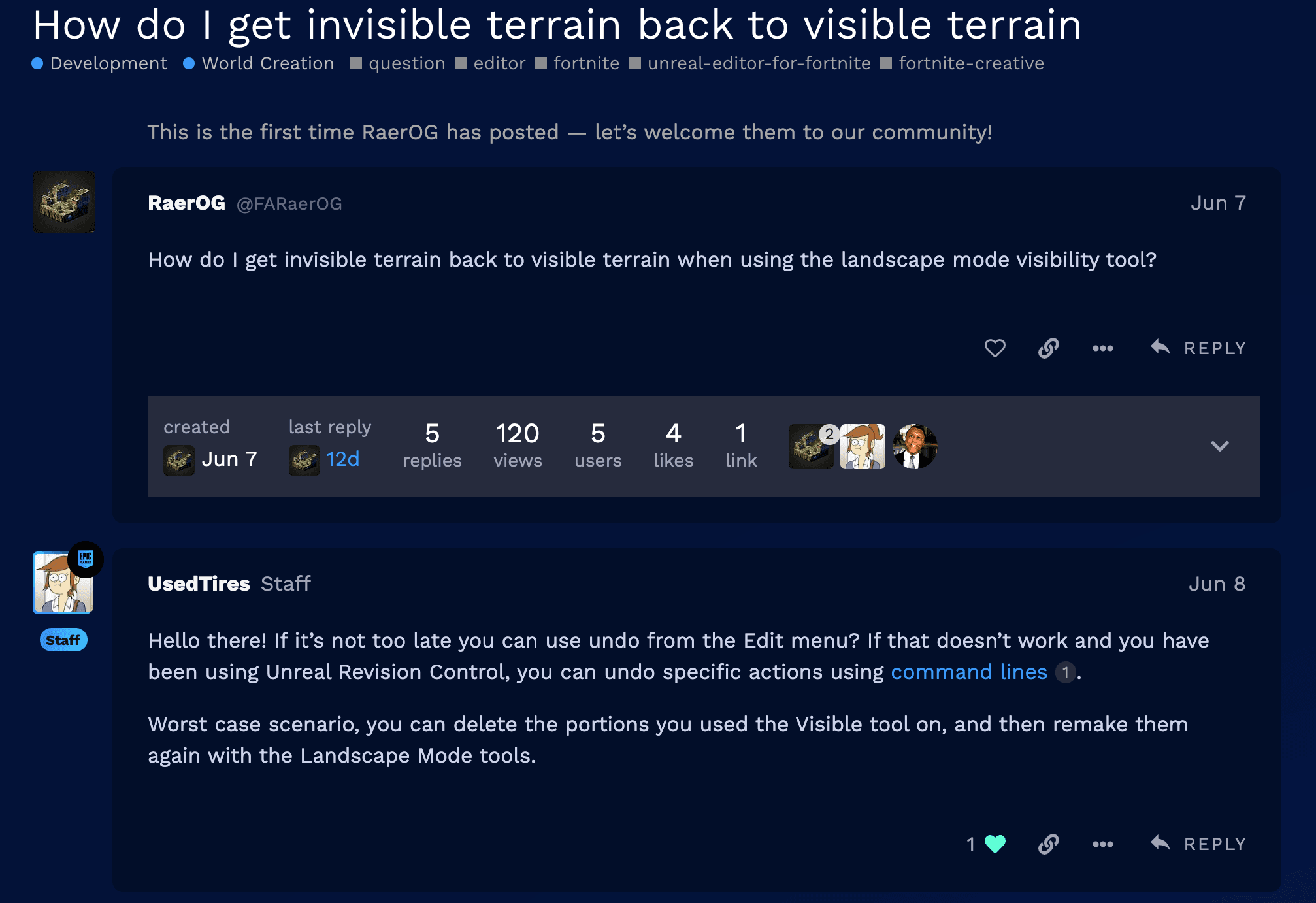
Ever stumbled upon a patch of invisible terrain in your project? RaerOG sought the solution to this issue, and [EPIC] UsedTires provided a helpful answer on the Epic Developer Forum.
An immediate fix could be using the 'undo' function from the Edit menu. If you're using Unreal Revision Control, specific actions can be undone using command lines. And in the worst-case scenario, you can delete the affected portions and recreate them using the Landscape Mode tools.
Super Handy and Very Essential
There you have it, three handy UEFN tips to enhance your creative process! Always remember that experimenting and learning are the keys to unlock your full creative potential in UEFN. If you ever find a tip that you feel should be shared with everyone in the community, feel free to reach out to me or ping me in the FCHQ Discord!
Stay inspired always!
Happy Building!
Join us in the FCHQ Discord for UEFN and FN 1.0 Map Help plus creative events and advice!

.
Comments
You must be logged in to comment.